Seven book covers, one payment
I stopped commissioning covers one at a time. This is the tool I replaced that habit with, what it genuinely does well, and the two places it falls short.
Written by the Ebocraft Editorial Team, from four pen names and a working KDP catalogue.
One-time payment. 30-day money-back guarantee. Read the rest of this page first.
This page contains an affiliate link. If you buy through it I earn a commission, at no extra cost to you. I write these only for tools I use on my own titles, and I say plainly below where this one disappoints.
The maths that changed my mind
If you publish more than one book a year, cover design is not a one-off expense. It is a line item that repeats every single time you launch, and it repeats again every time you refresh a backlist title or need a fresh graphic for a promotion.
Here is roughly what I was spending per title before I changed approach:
The subscription line is the one that quietly hurts. A monthly design fee is a rent you pay forever on a catalogue you already finished. ClickDesigns is a single payment with no recurring charge, and for anyone publishing at any real pace the comparison stops being close somewhere around the second or third cover.
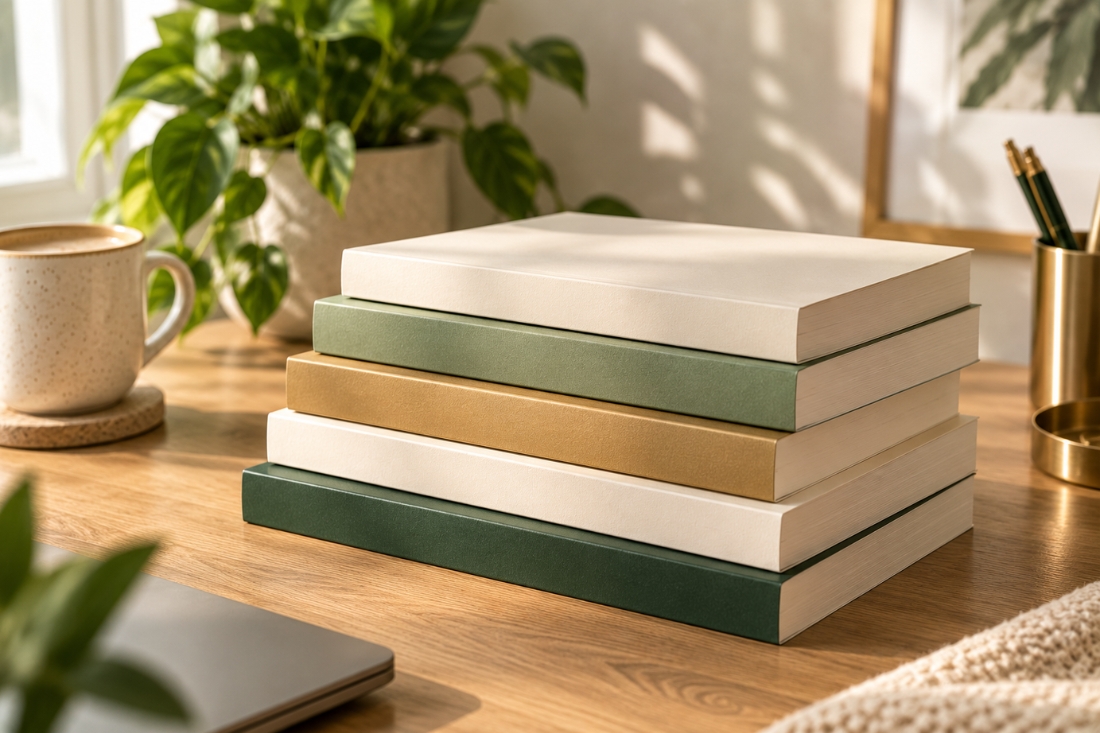
Four titles, four covers, one afternoon.
What it actually is
ClickDesigns is a browser-based graphics tool built around a template library. You pick a template, drag things around, change the type and the imagery, and export. There is nothing to install and no learning curve worth the name.
Three parts of it matter if you publish books:
Book cover templates, flat and 3D
Front covers plus the 3D mockups you need for your Amazon listing, your website and your ads. Doing both in one place removes a handoff that used to cost me three days per title.
A commercial license
You own what you make and you can sell it. That matters if you publish, and it matters more if you ever design for anyone else. It turns the tool from an expense into something that can pay for itself on one client job.
One payment, no subscription
This is the whole argument, honestly. If you are outside the US or UK, recurring dollar billing is its own separate headache, and removing it is worth something that does not show up in a feature list.
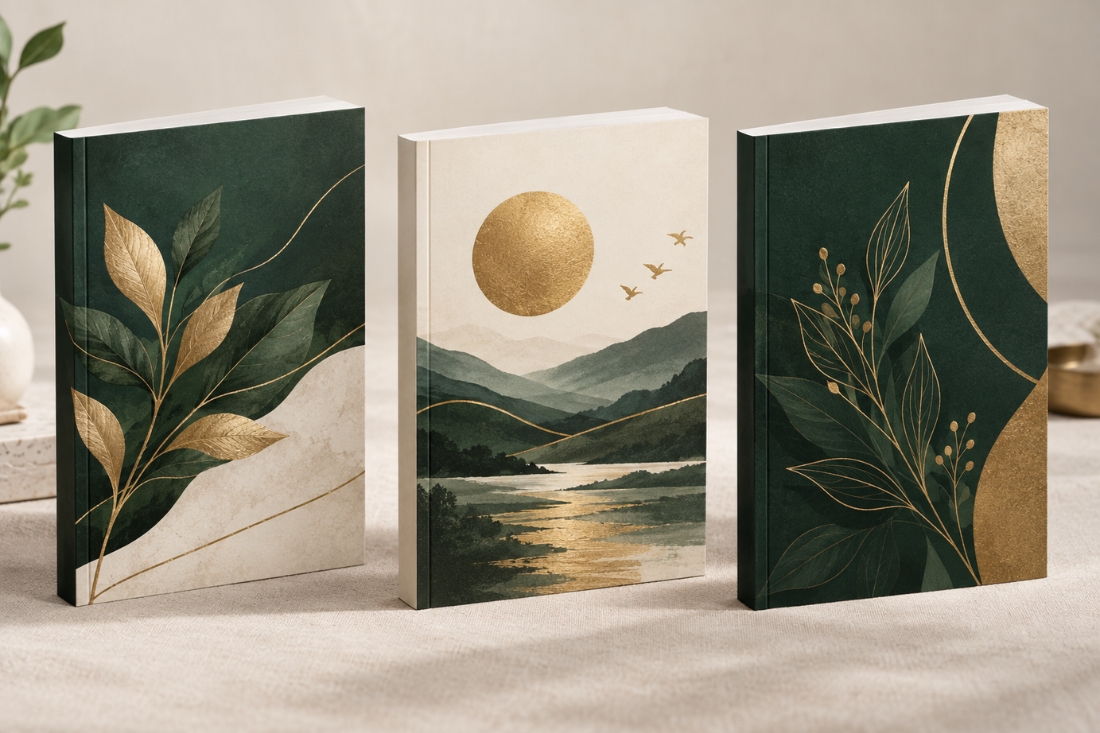
The listing image is usually the second order. Here it is the same file.
Where it falls short
Templates mean shared DNA
If you drop your title onto a template and change nothing else, your cover will resemble other people's. Change the typeface, change the imagery, change the colour. Treat the template as a layout, not a design.
It is not a replacement for a designer on a flagship title
For the book you are building a whole launch around, hire someone. Use this for everything else: the backlist, the box sets, the lead magnets, the ad creative, the eight graphics nobody was ever going to pay a designer for.
The sales page is loud
You are about to meet a countdown timer and a large stack of claimed values. Ignore the theatre. The price you see at the Digistore24 checkout is the price you pay, and the 30-day guarantee is the part that actually protects you.
Who should skip this
- You publish one book every couple of years. Commission the cover. The maths does not work for you.
- You already know Photoshop or Affinity well. You will find this limiting.
- You want a design education. This is a shortcut, not a teacher.
If you publish regularly, sell digital products, or design anything at all for clients, it earns its keep quickly. That is the honest dividing line.
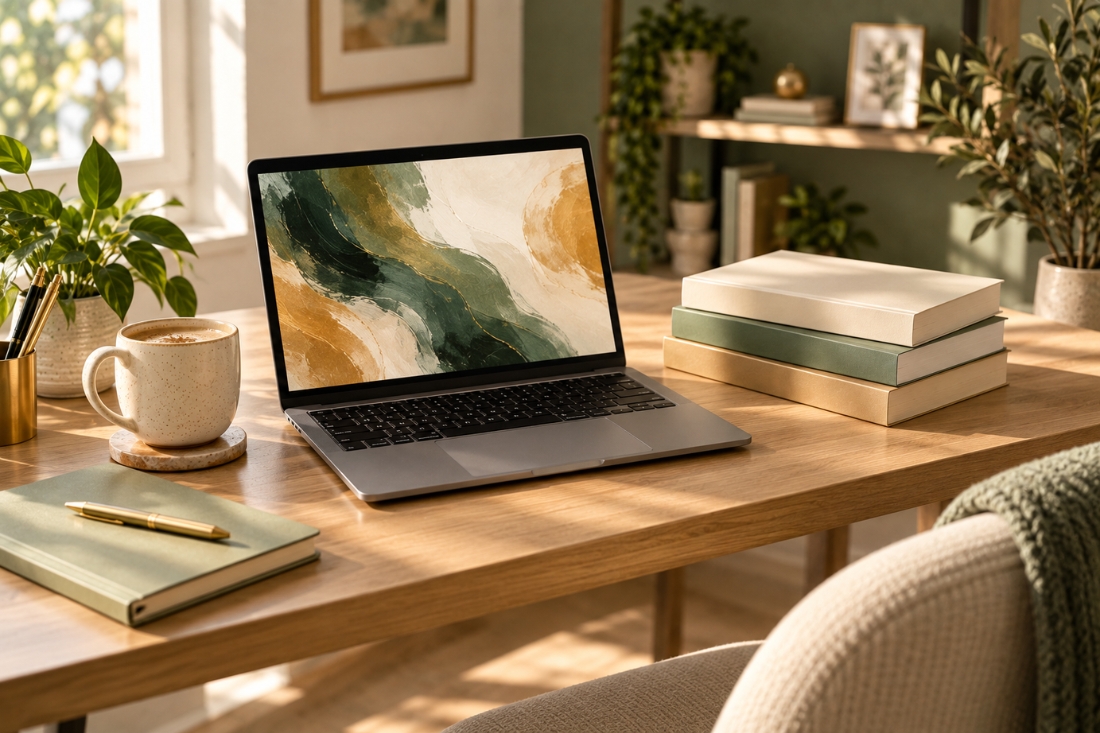
No install, no seat licence, no monthly invoice.
If you want to try it
Go through the link below, buy it, and then do one thing in your first week: rebuild the cover of a title you already published. You will know within an hour whether this fits how you work. If it does not, the 30-day guarantee is there and you should use it without any hesitation at all.
One-time payment, no recurring charge. 30-day money-back guarantee through Digistore24.
Ebocraft Editorial Team. We publish under several imprints and write about the tools we use to do it.
This page contains an affiliate link. Buying through it earns us a commission at no additional cost to you. Disclosure applies to every link on this page.